Start with a Bikini Preset
Presets provide an immediate visual direction and eliminate the need to write a full prompt. Choose the closest cut first, then use the optional prompt to refine its appearance.
Upload an adult portrait, choose a swimwear style, and create a realistic, non-explicit fashion preview in one simple workspace.
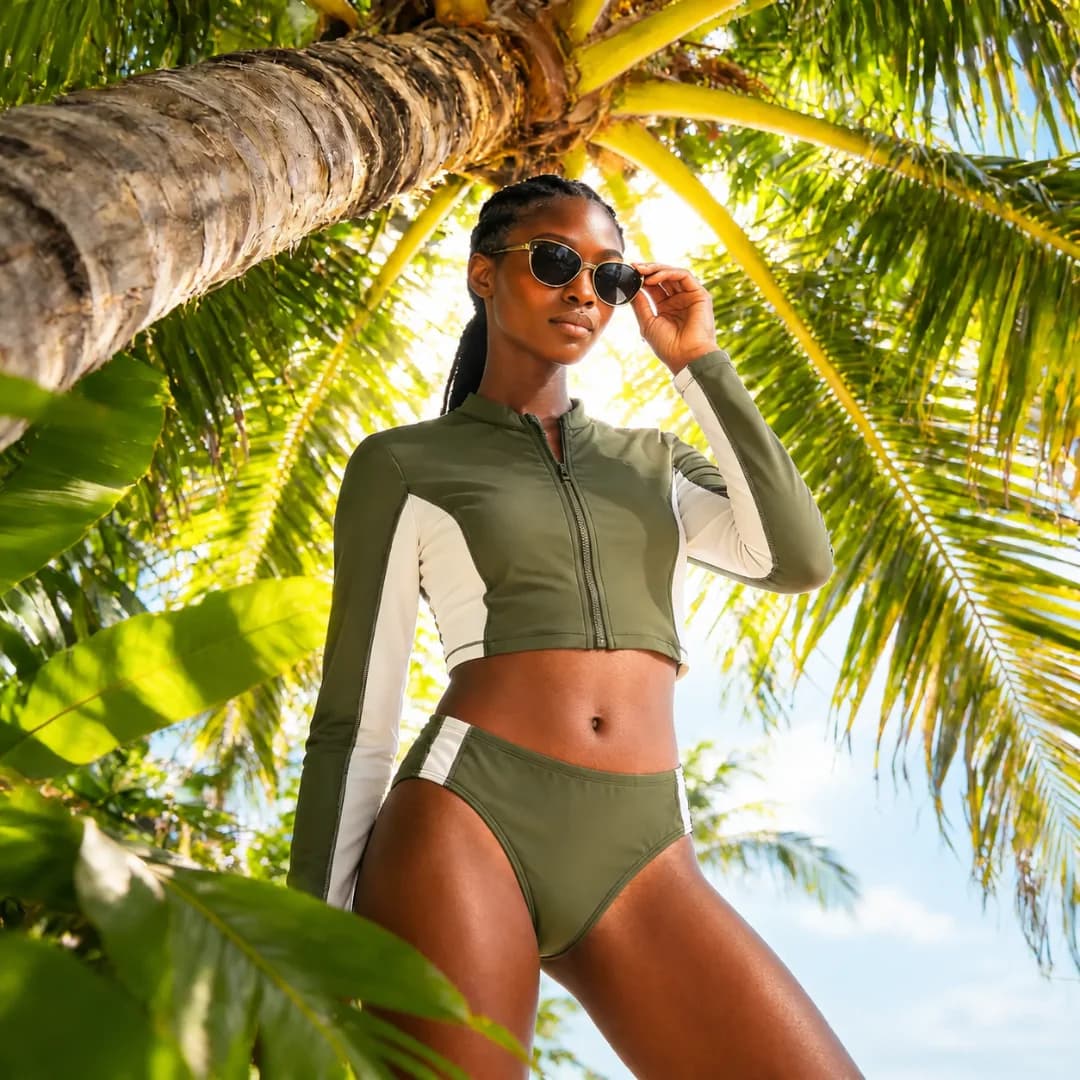
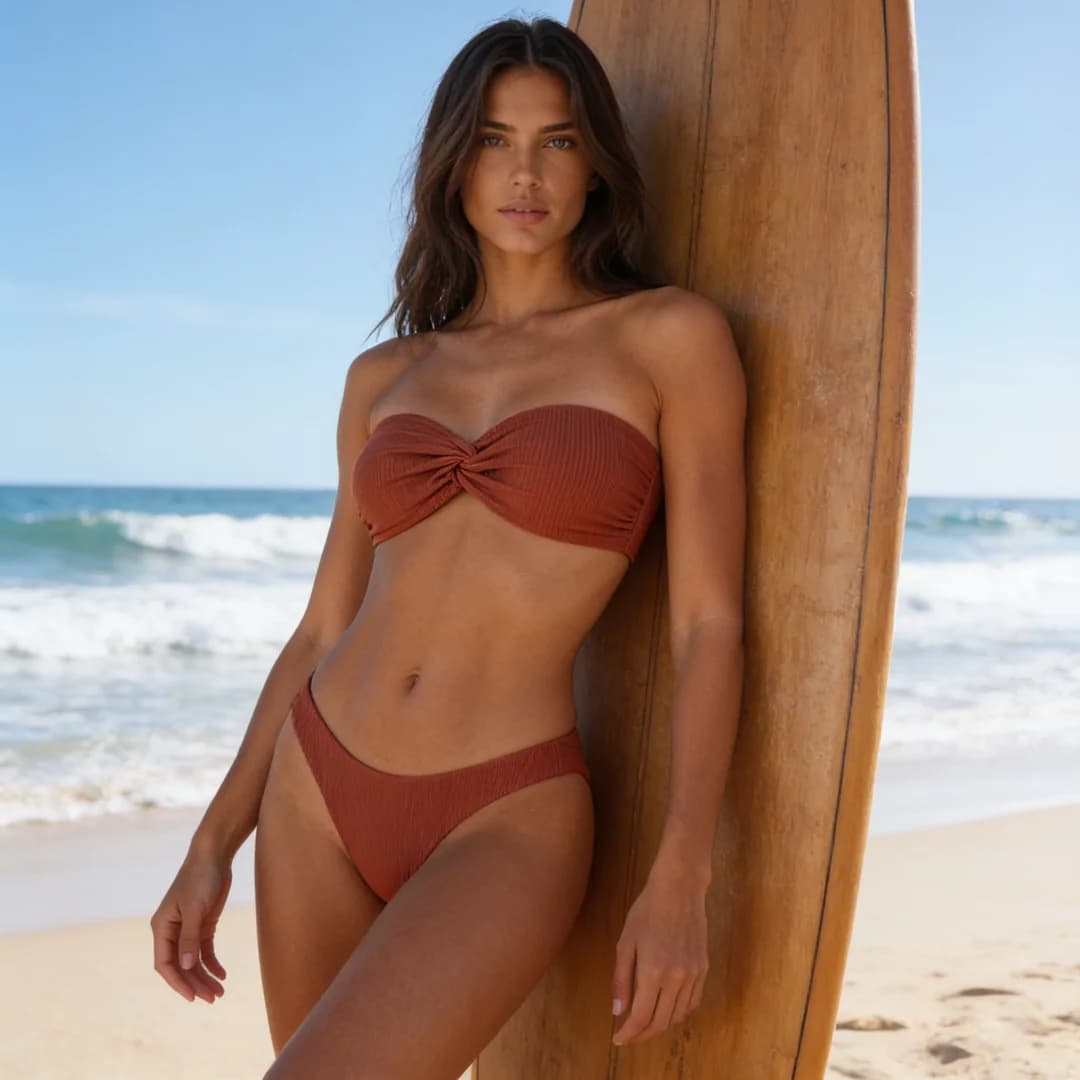
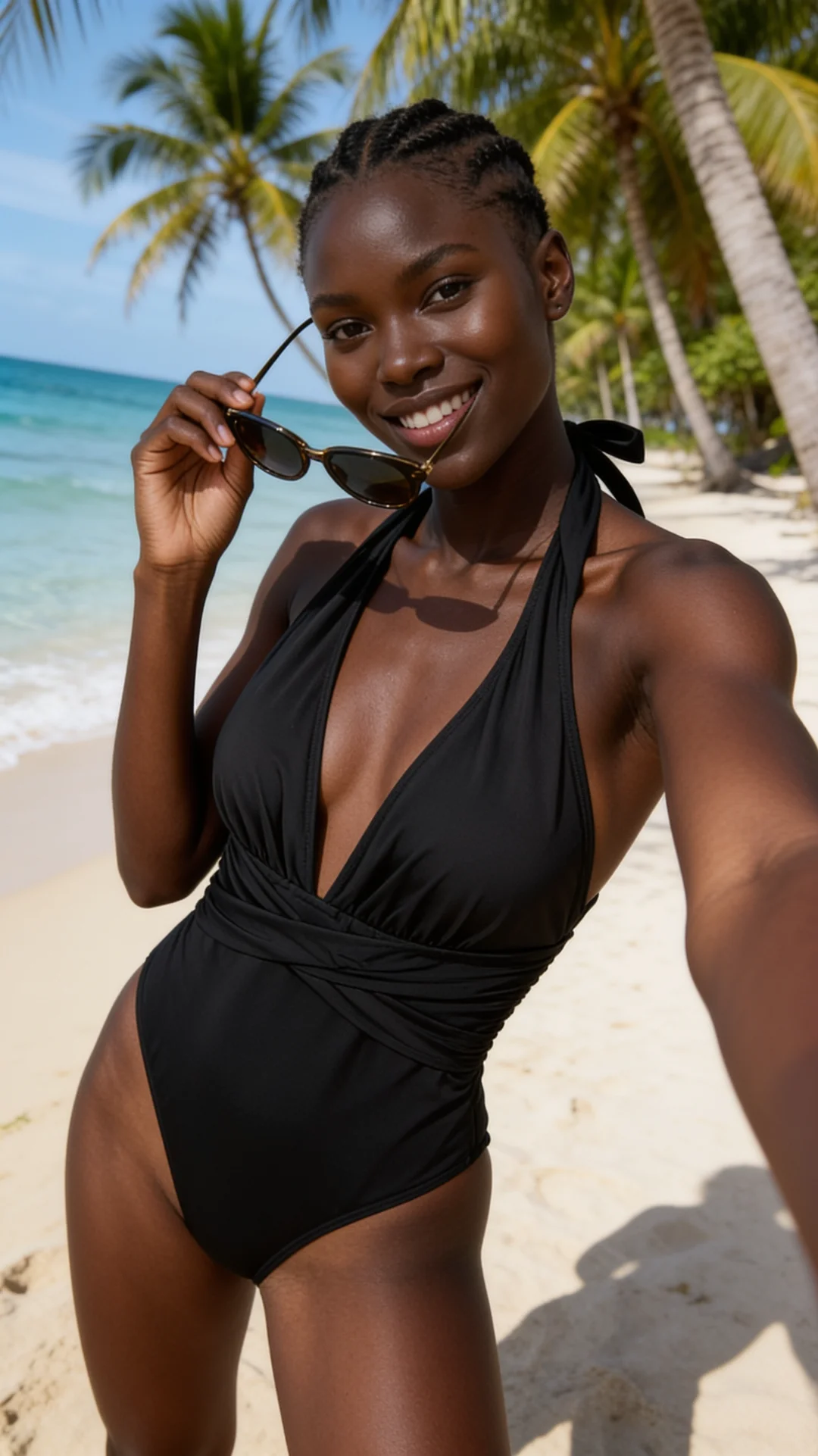
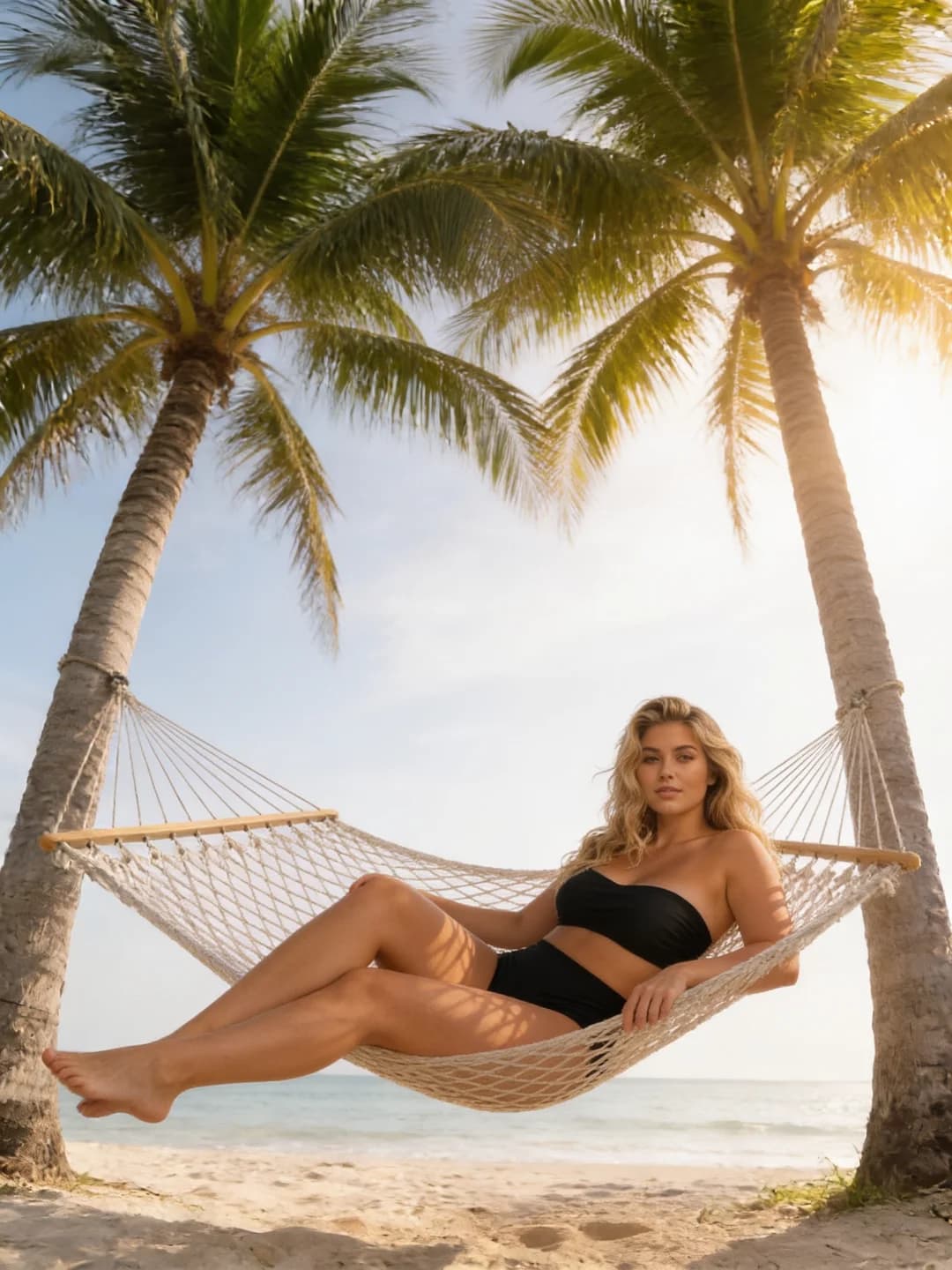
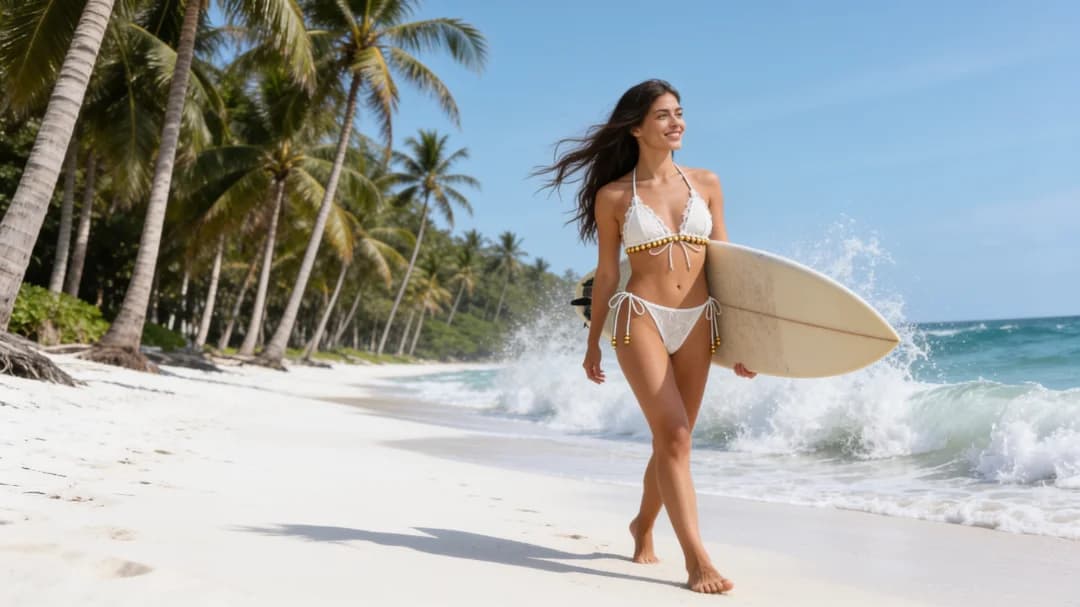
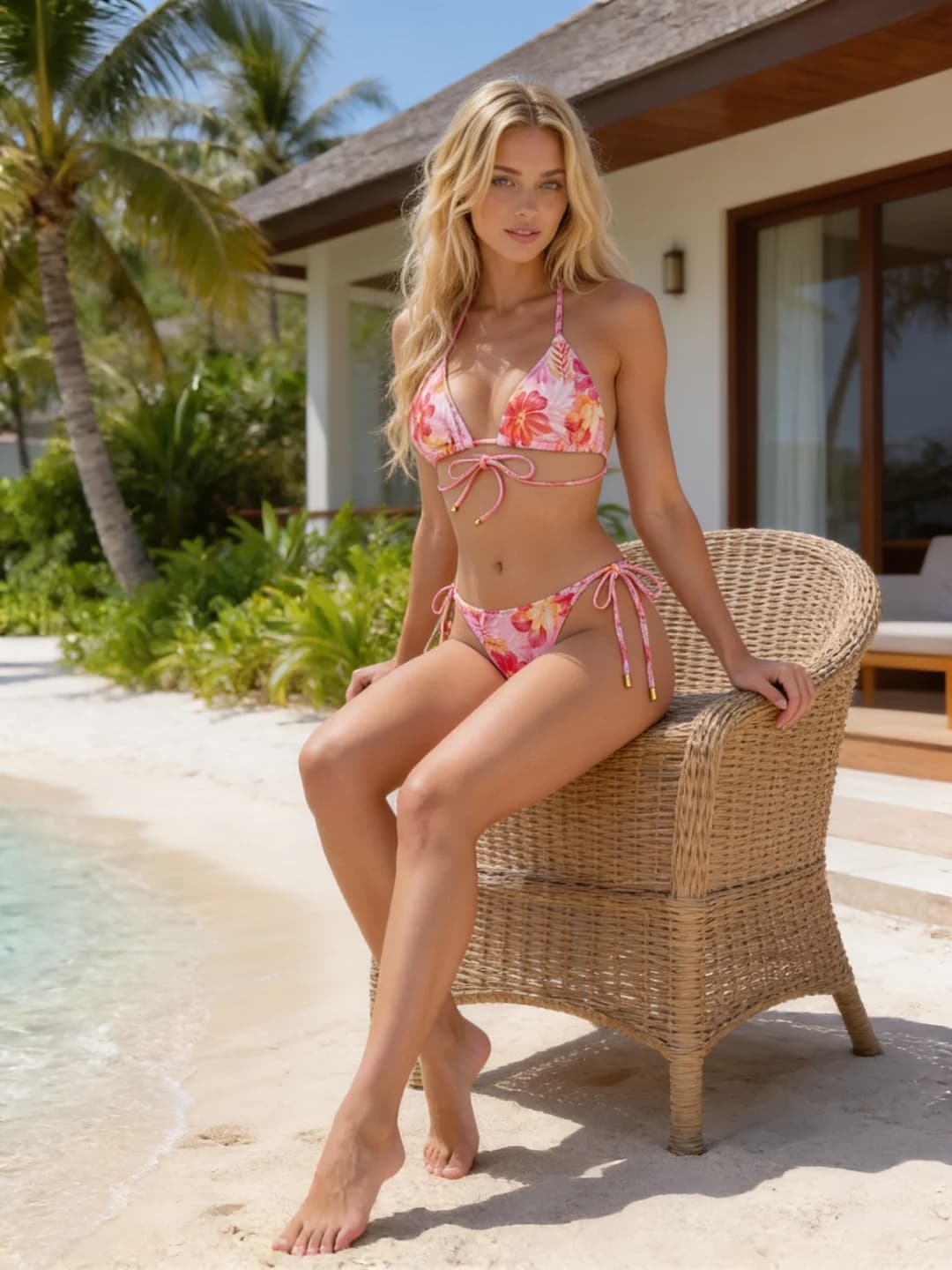
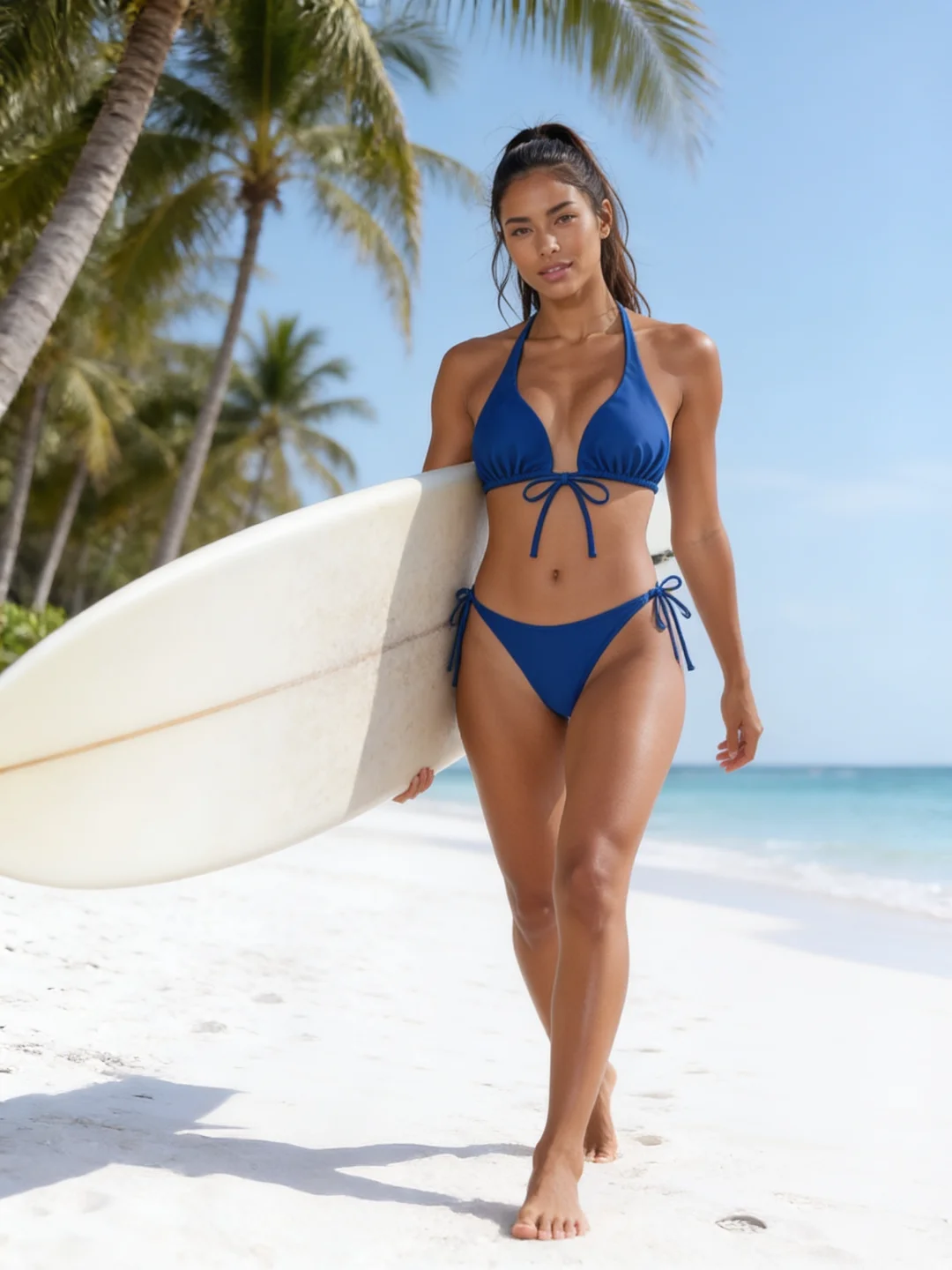

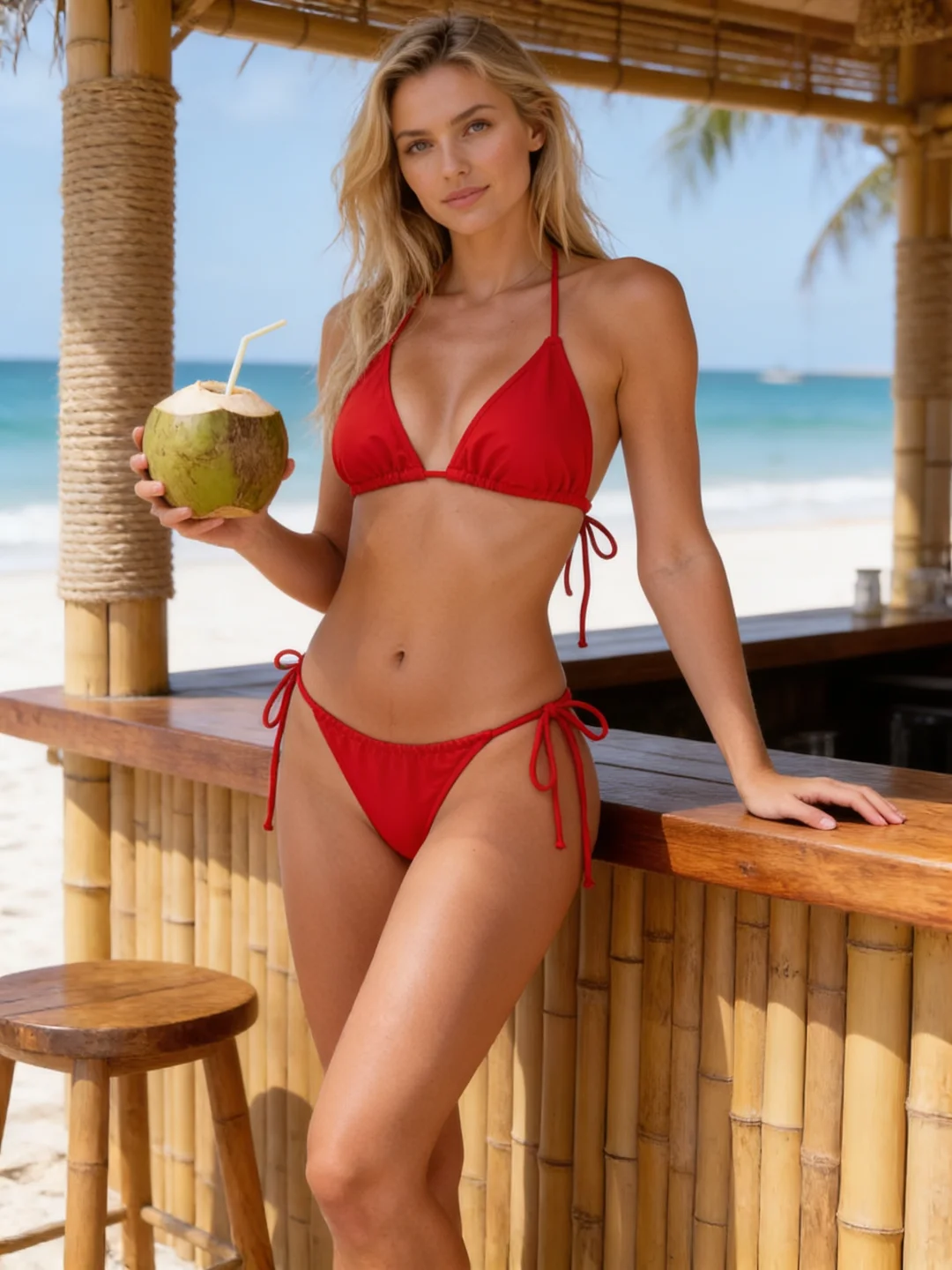
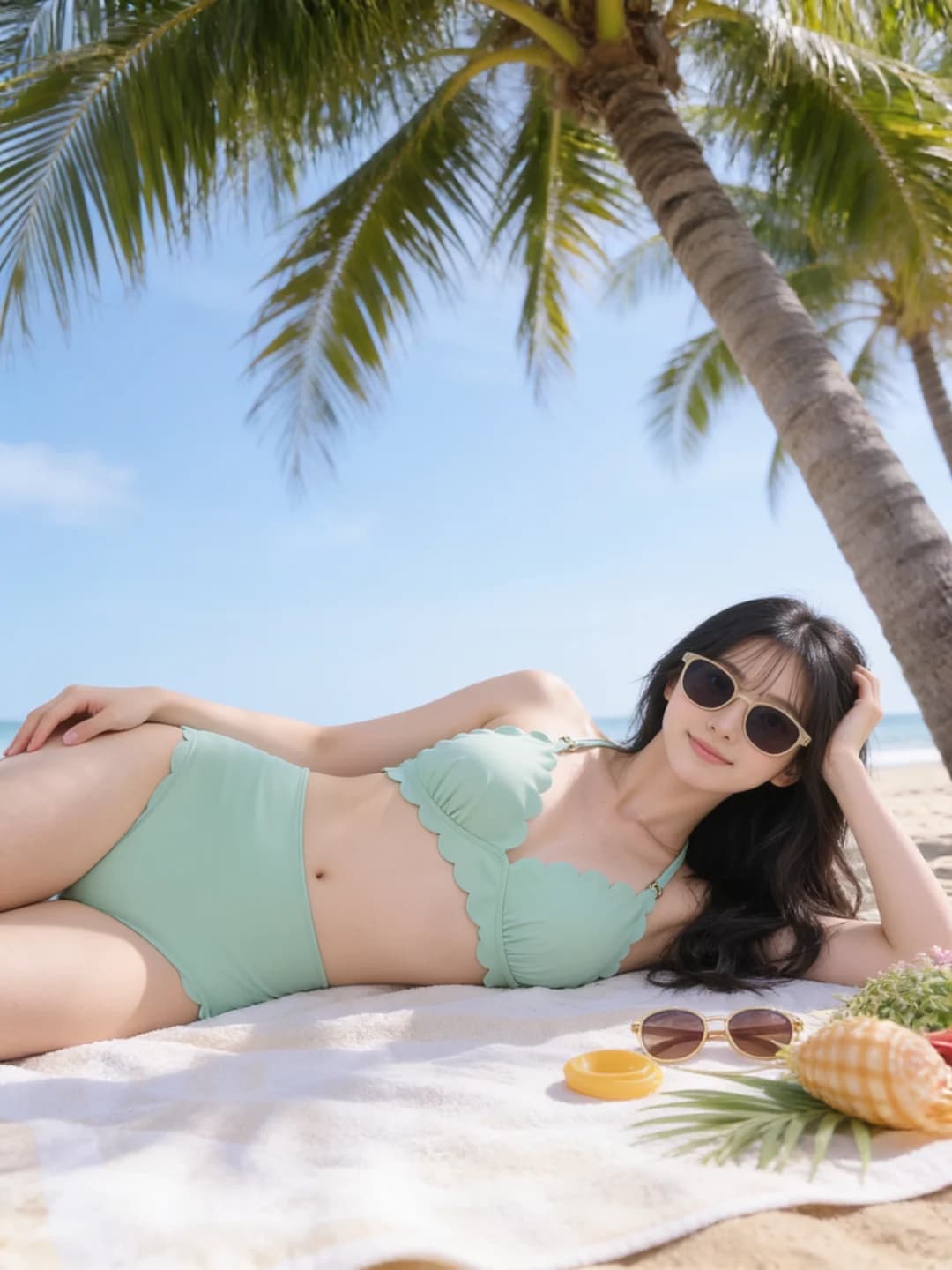
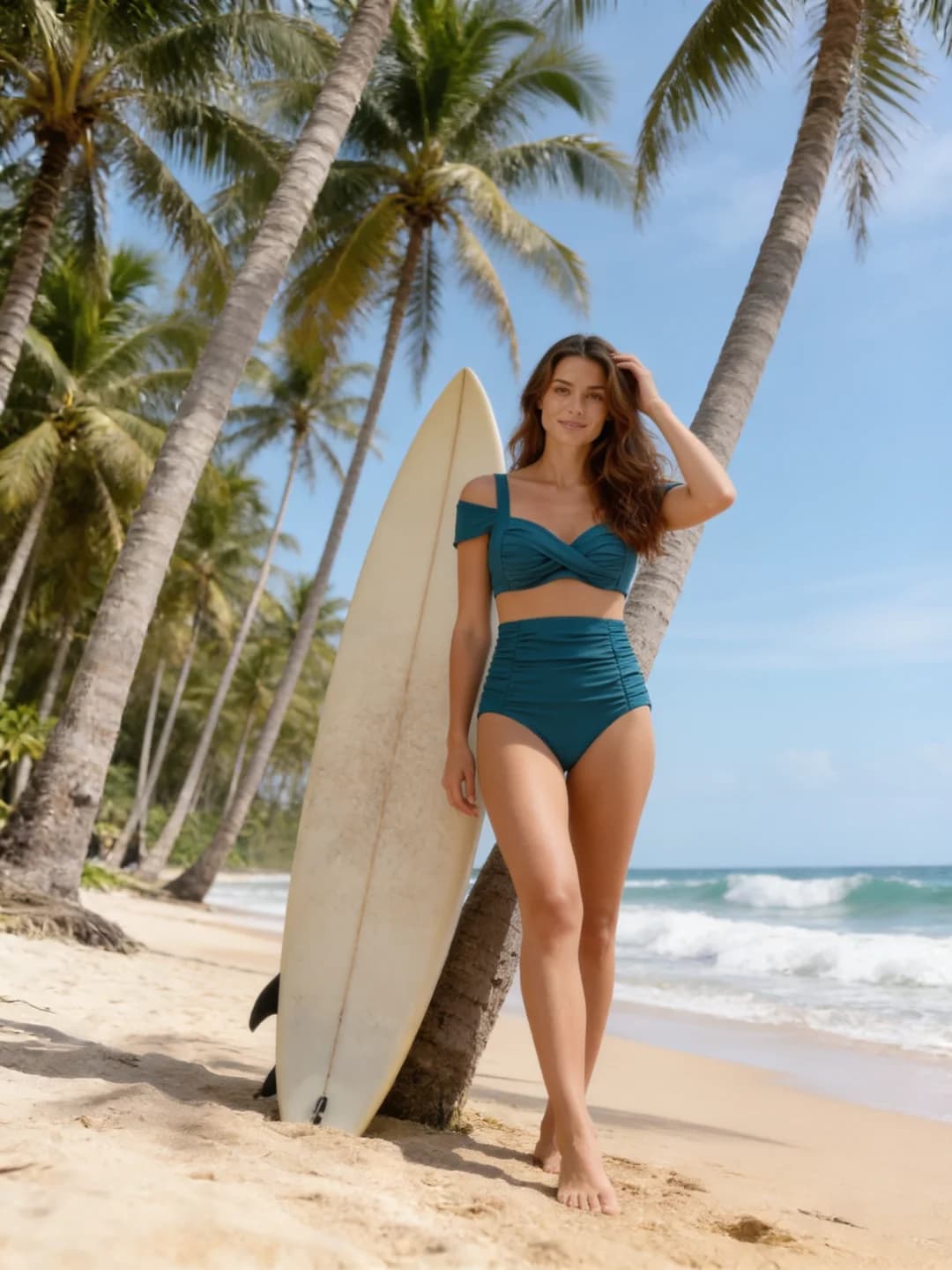
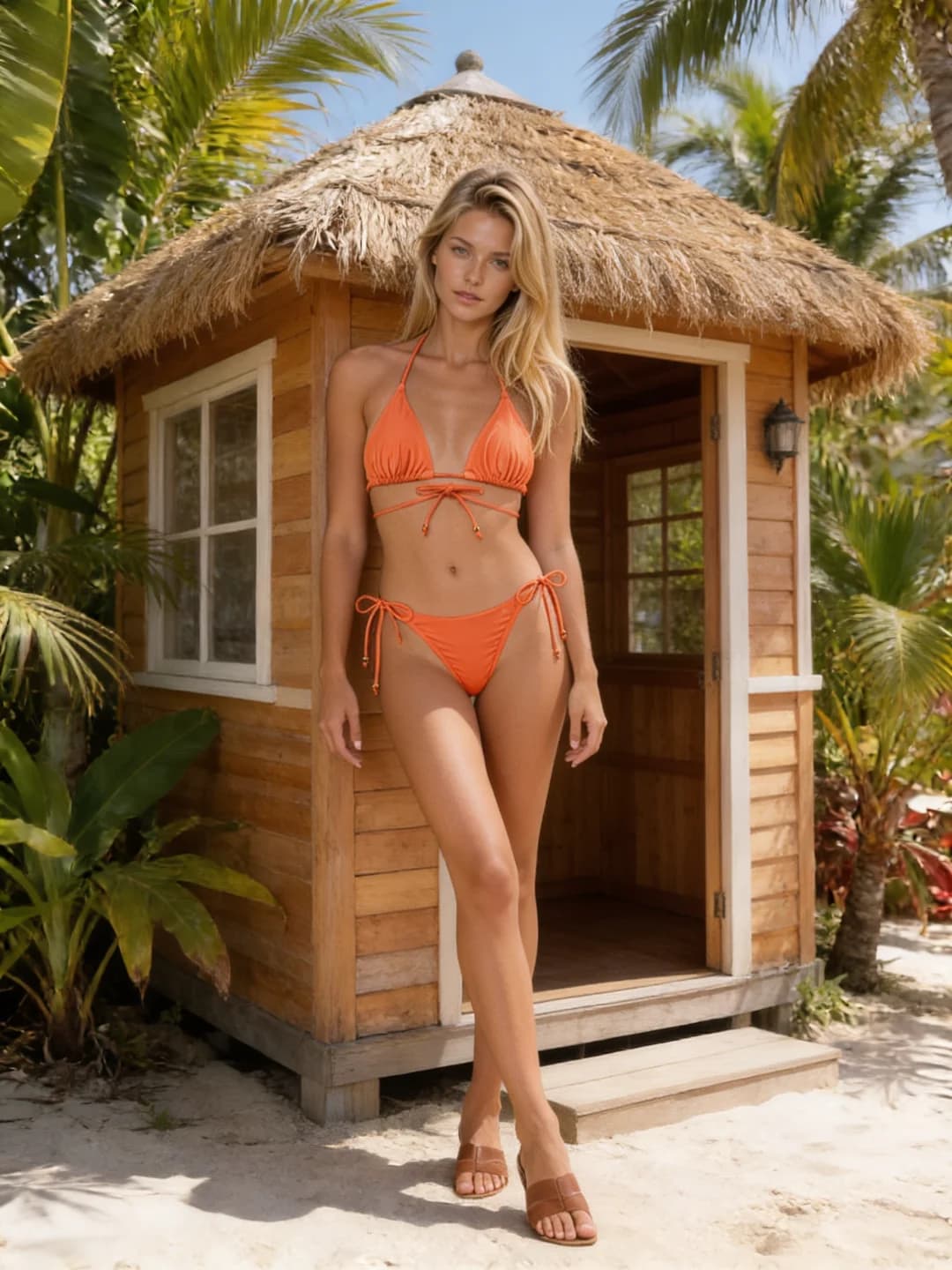
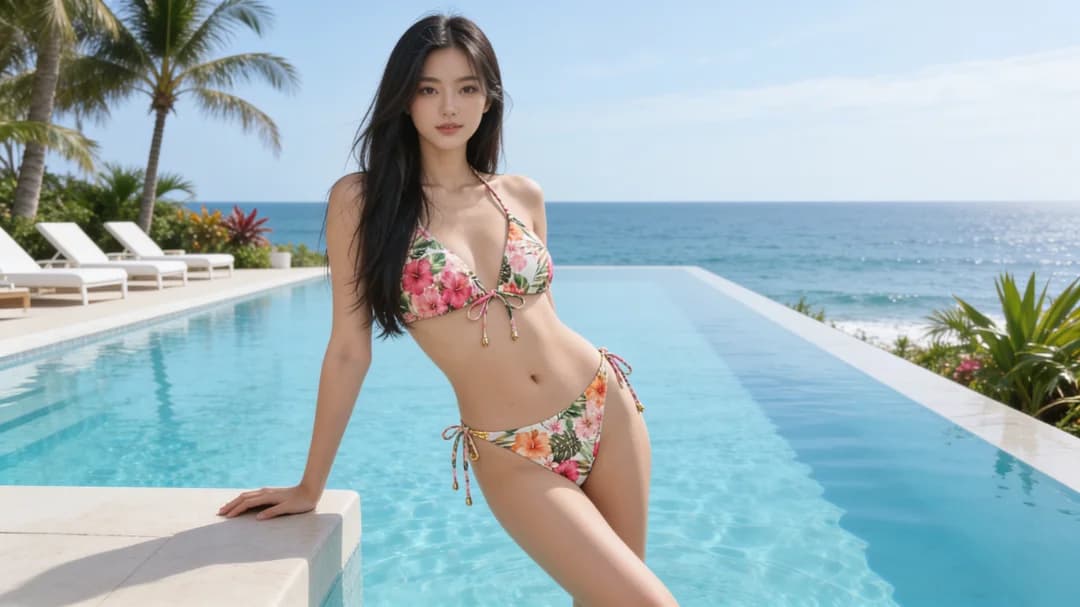
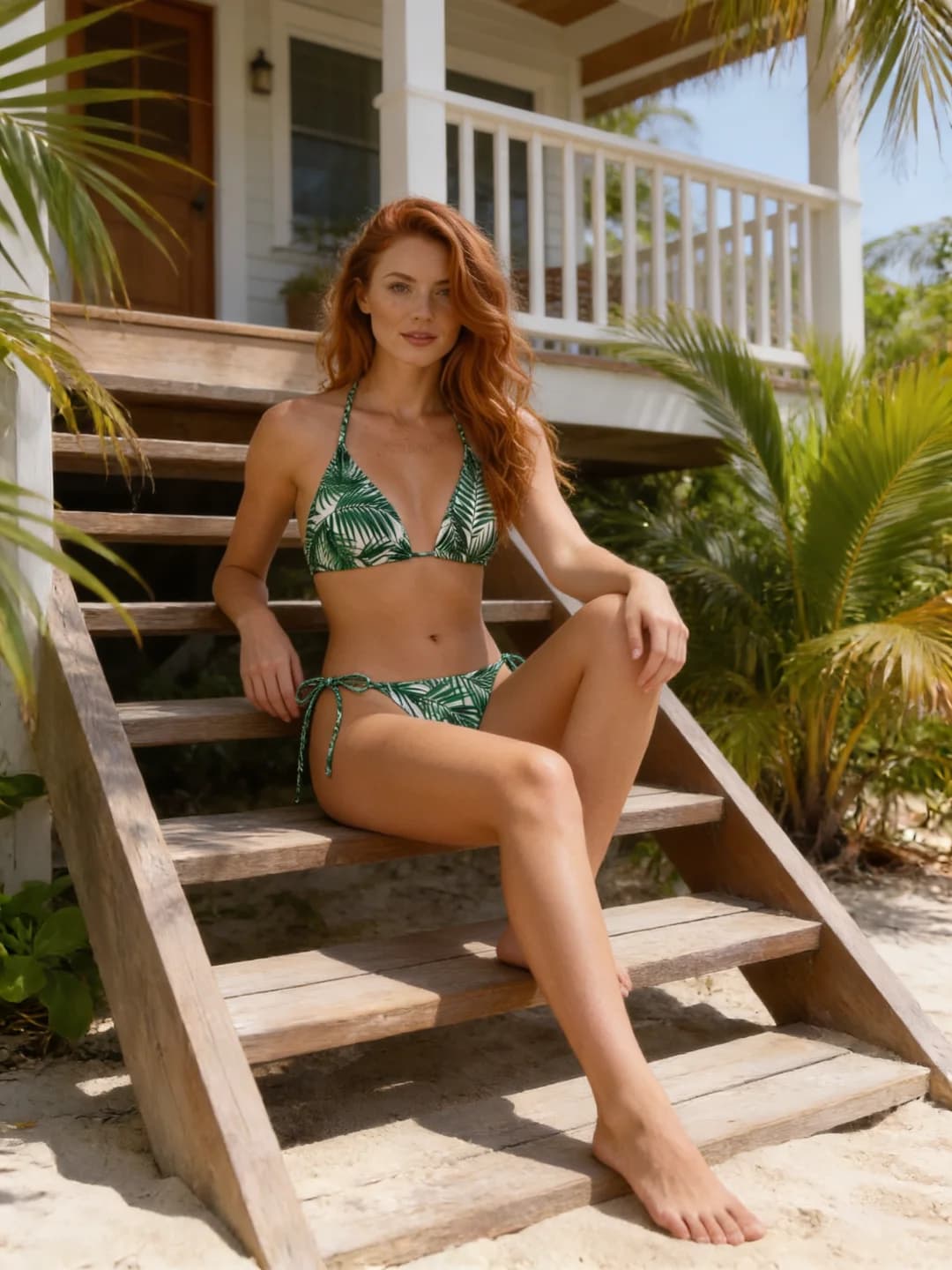
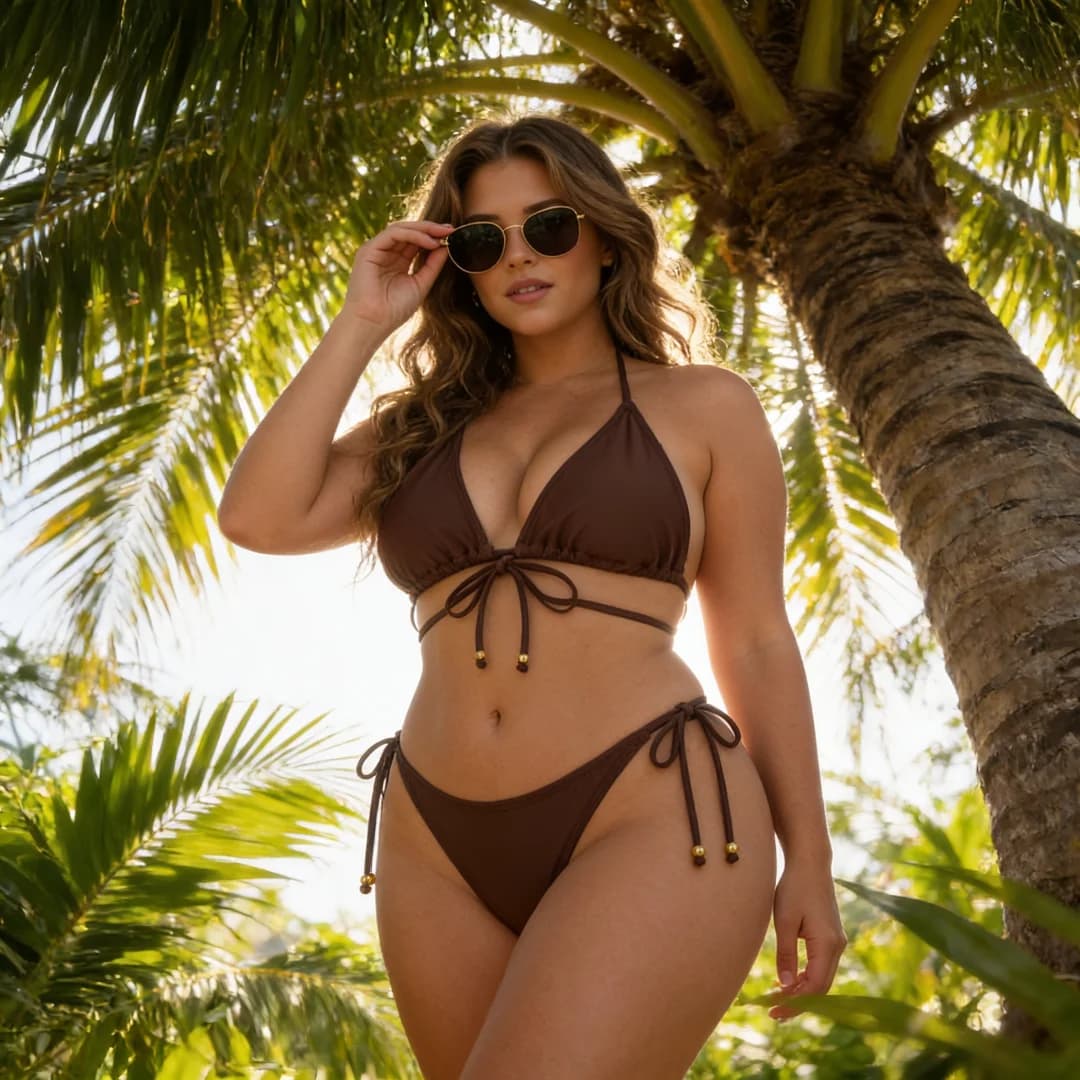
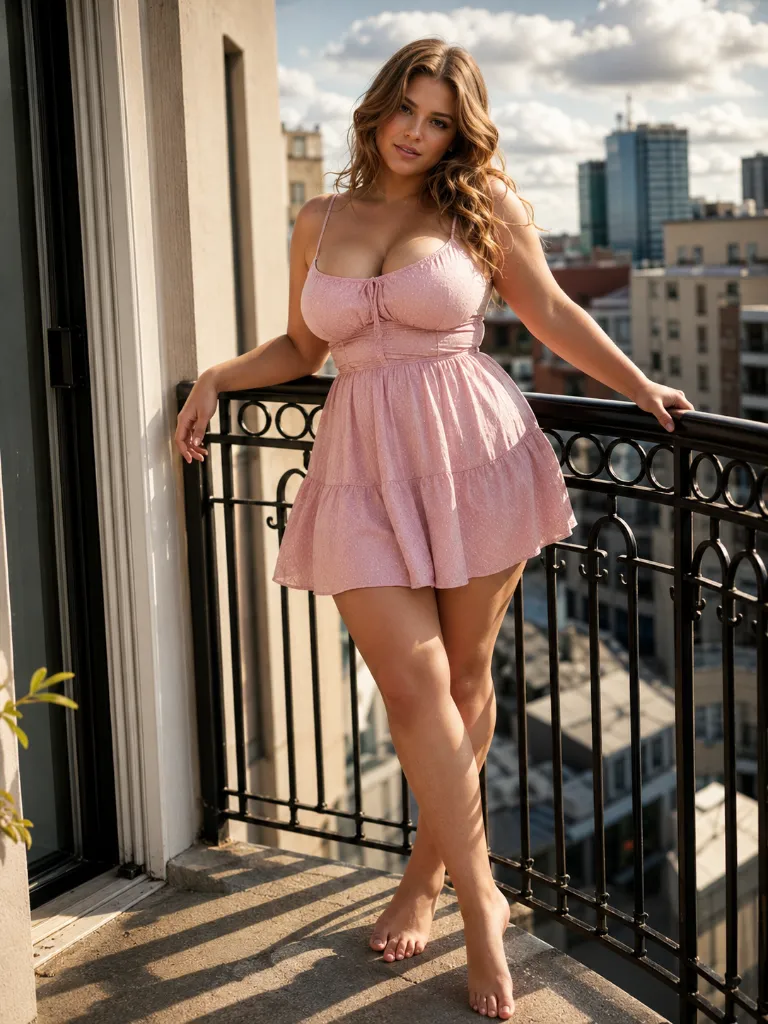
The source portrait has the greatest influence on the quality of your virtual bikini try-on.
Presets provide an immediate visual direction and eliminate the need to write a full prompt. Choose the closest cut first, then use the optional prompt to refine its appearance.
Describe details such as:
The optional prompt can also guide:
“Keep the instructions focused. A short description of the most important visual details usually works better than a long list of unrelated adjectives.”
The AI bikini generator uses the uploaded portrait as its primary reference and aims to keep the person recognizable while changing the outfit.
The visible pose and body outline guide the swimsuit placement. Clear, unobstructed portraits help reduce unexpected changes to body shape, hands, and garment edges.
A convincing result depends on fabric texture, edge placement, highlights, shadows, skin tone, and environmental lighting working together.
The tool aims to preserve the original composition. Optional prompt instructions can adjust the background and photographic mood, but stronger changes may also alter more of the source image.
AI-generated results can vary. Always inspect the face, hands, body proportions, garment edges, background, and shadows before downloading or publishing an image.
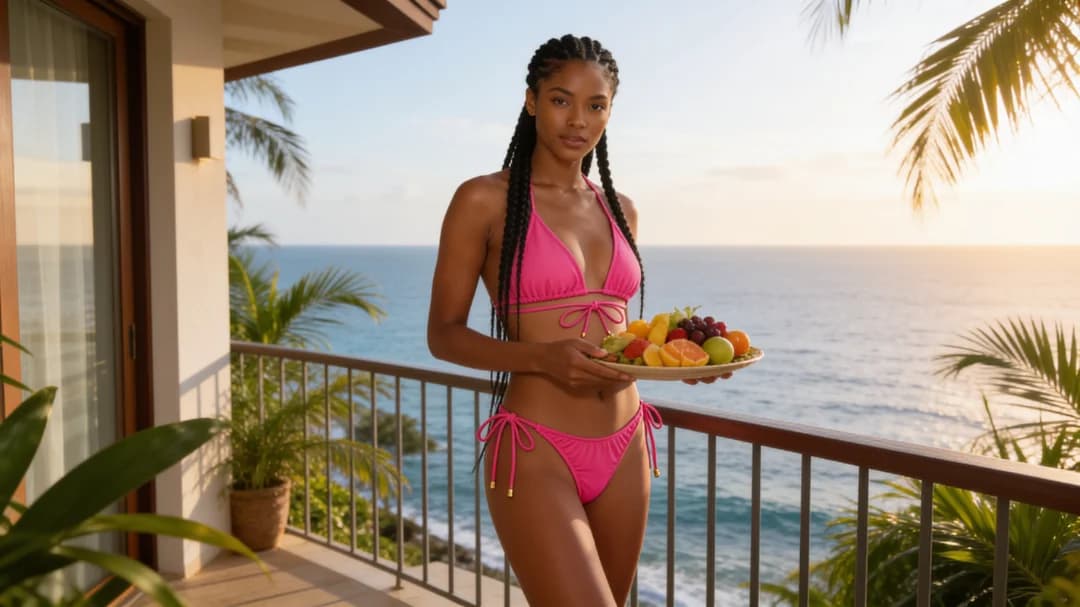
Compare bikini cuts, colors, and visual directions before planning a beach outfit, vacation image, or summer mood board.
The generated result is a visual concept. It cannot determine real garment size, fabric stretch, support, comfort, or physical fit.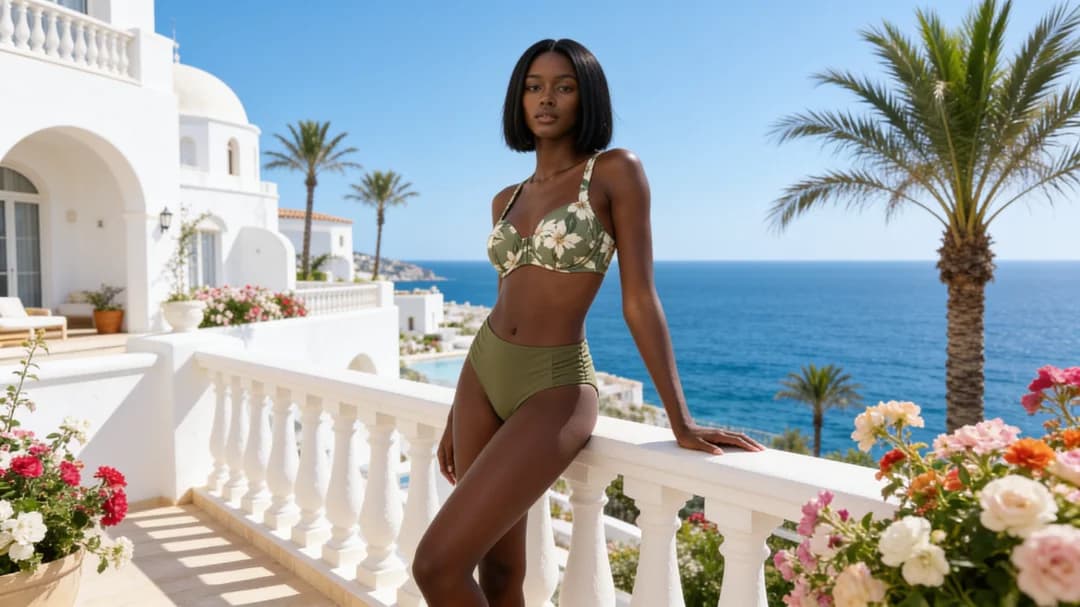
Create original summer portraits, profile images, vacation-inspired visuals, and editorial concepts without manually replacing clothing in traditional editing software.
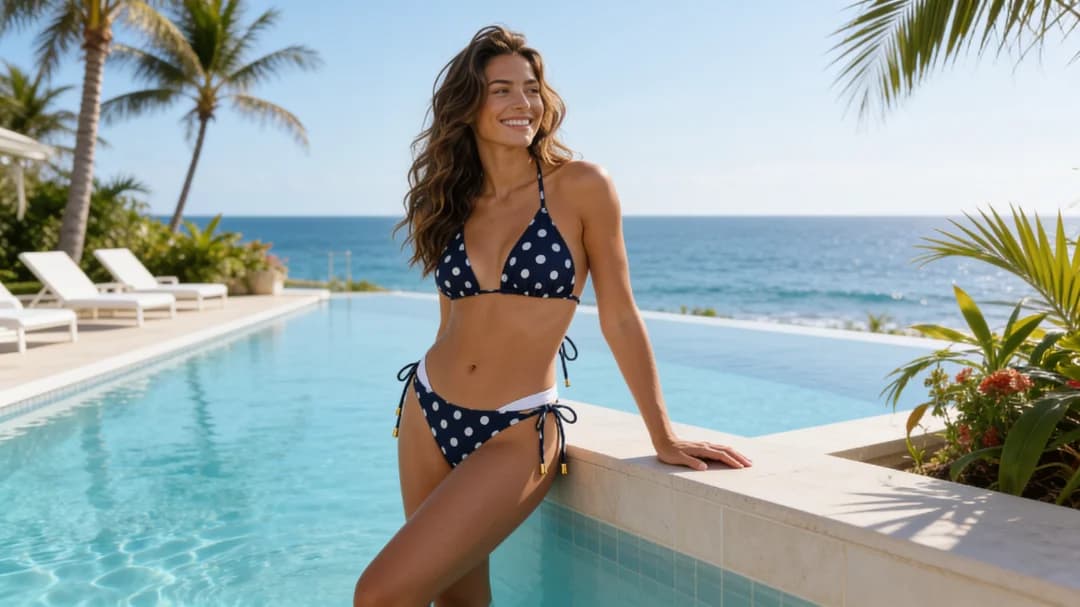
Explore campaign directions, seasonal color palettes, model-image concepts, lookbook ideas, and social media visuals before organizing a physical production.
Because this workflow uses presets rather than an uploaded product reference, it should be used for creative direction and concept visualization, not as an exact representation of a specific manufactured garment.An AI bikini generator is a virtual swimwear editing tool that applies a selected bikini or swimsuit style to an adult portrait. It analyzes the visible pose, body outline, clothing area, lighting, and scene before producing a non-explicit fashion visualization.
A photo-to-bikini AI tool is useful for exploring swimwear styles and creating visual concepts, but it is not a physical fitting system. Generated images cannot confirm sizing, support, comfort, or how a real swimsuit will fit.
This tool creates non-explicit swimwear visualizations. It does not provide nudity or an undress function.
Review the Privacy Policy before uploading personal material to understand how images are processed, stored, deleted, and used. Review the Terms of Service for current content restrictions and source-image requirements.
Upload an adult portrait, select a bikini preset, and optionally describe the preferred color, fabric, pattern, background, lighting, or photographic style. The AI then creates a non-explicit virtual swimwear preview based on those inputs.
Virtual bikini try-on uses AI image editing to visualize a swimsuit style on an adult portrait. It is intended for fashion visualization and creative previews, not accurate physical sizing.
Use a clear, well-lit portrait containing one visible adult person. Front-facing or slightly angled upper-body and full-body photos generally provide the most useful visual information.
Yes. Use the optional style prompt to describe changes to the color, cut, material, pattern, setting, lighting, and overall photographic mood.
The uploaded portrait remains the primary reference, and the tool aims to keep the person recognizable. Exact preservation cannot be guaranteed because results depend on pose, lighting, image quality, obstructions, and the requested style.
No. The result is a generated visual preview. It cannot determine real size, support, comfort, fabric behavior, or physical fit.
Available trial credits and generation costs are shown in the workspace. Check the current Pricing page for generation limits, downloads, output resolution, and watermark rules.
Images are handled according to the current Privacy Policy. Read it before uploading personal material to understand processing, retention, deletion, and data-use practices.
Only when the person is an adult and has explicitly permitted the edit. Non-consensual images and all images involving minors are prohibited.
No. It replaces the visible outfit with a non-explicit bikini or swimsuit style. It does not provide nude or undress results.
Use a clearer portrait, choose a simpler pose, avoid obstructions, select a more suitable preset, simplify the optional prompt, or generate another variation. Inspect faces, hands, proportions, edges, and shadows before using the image.